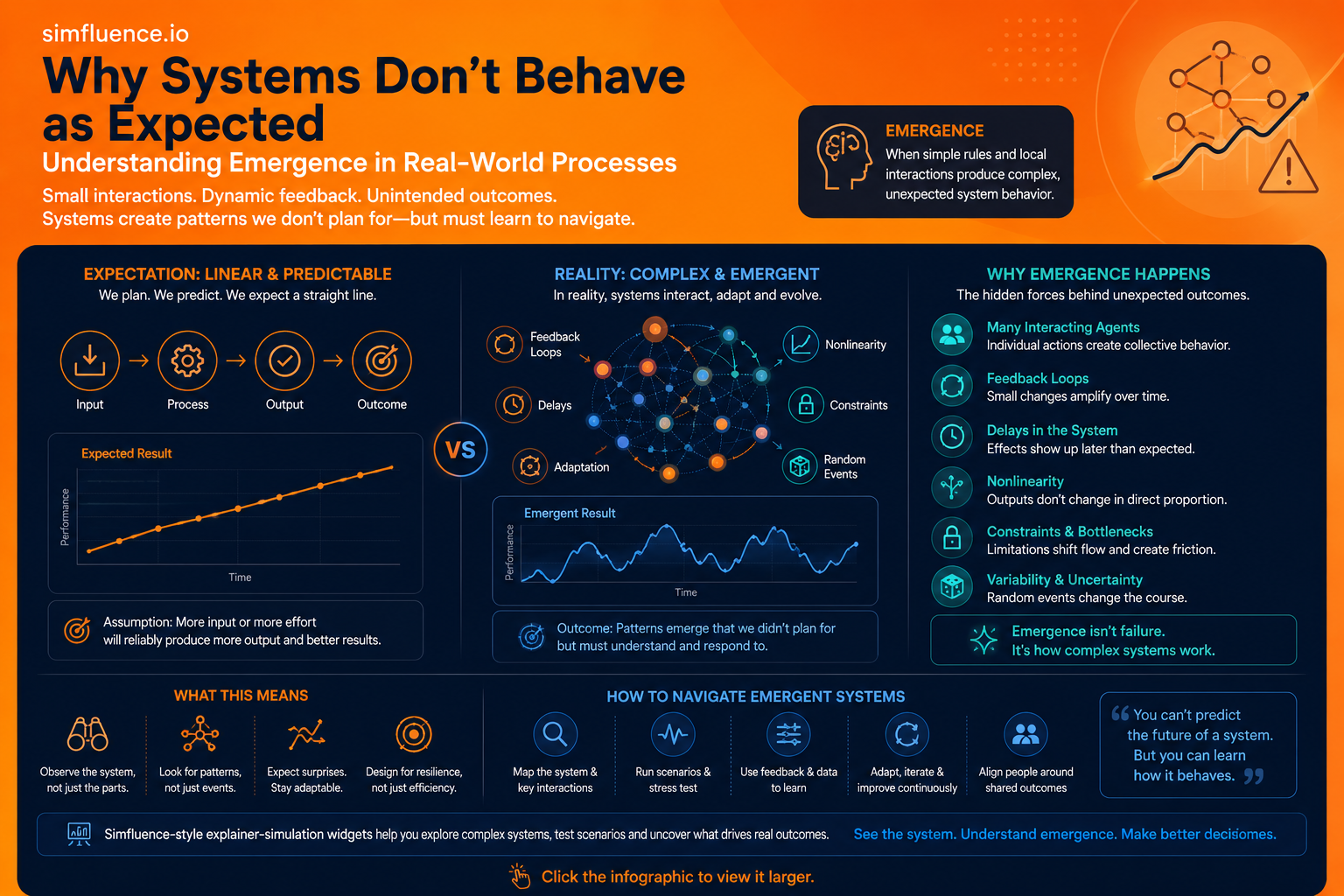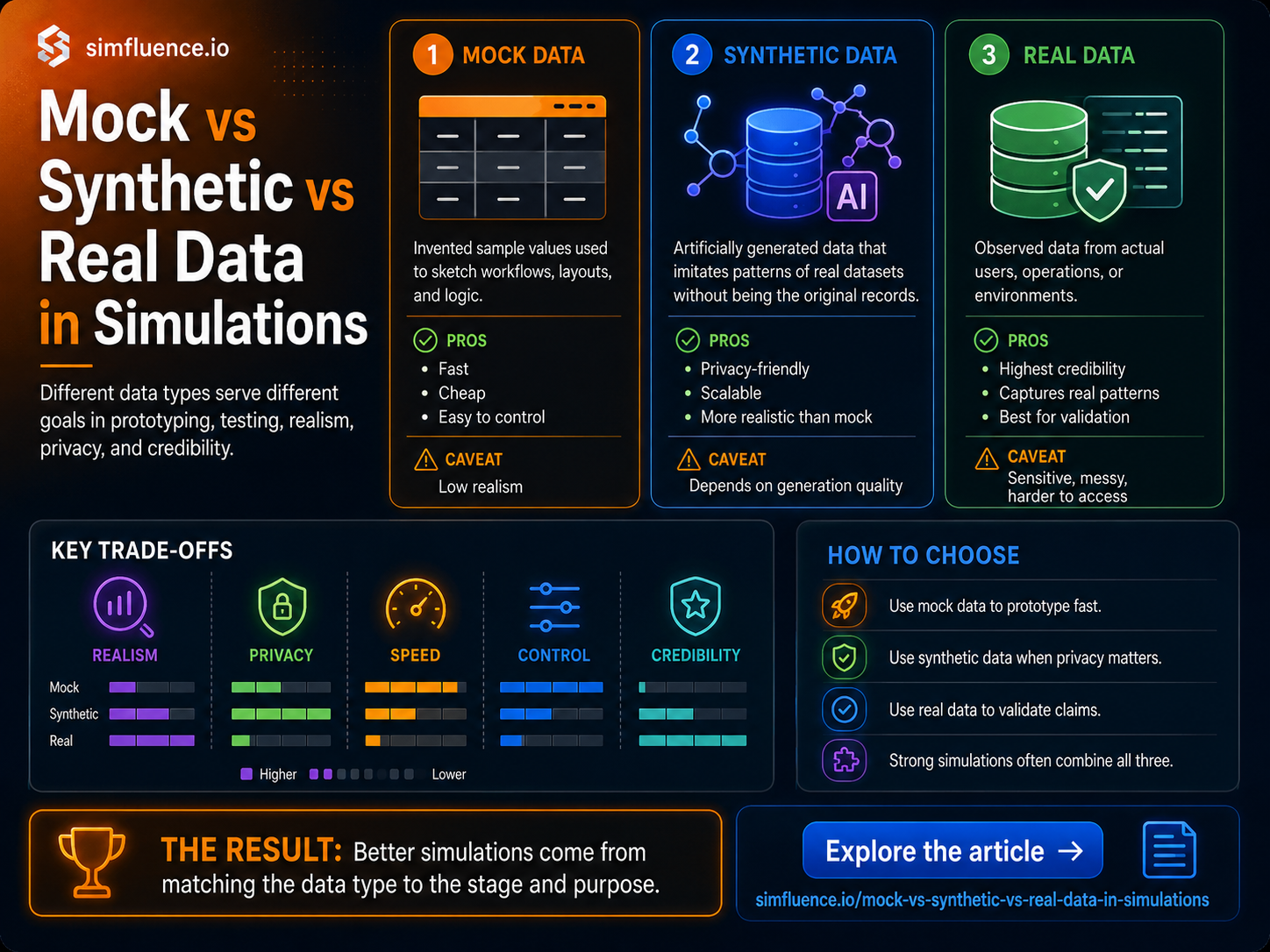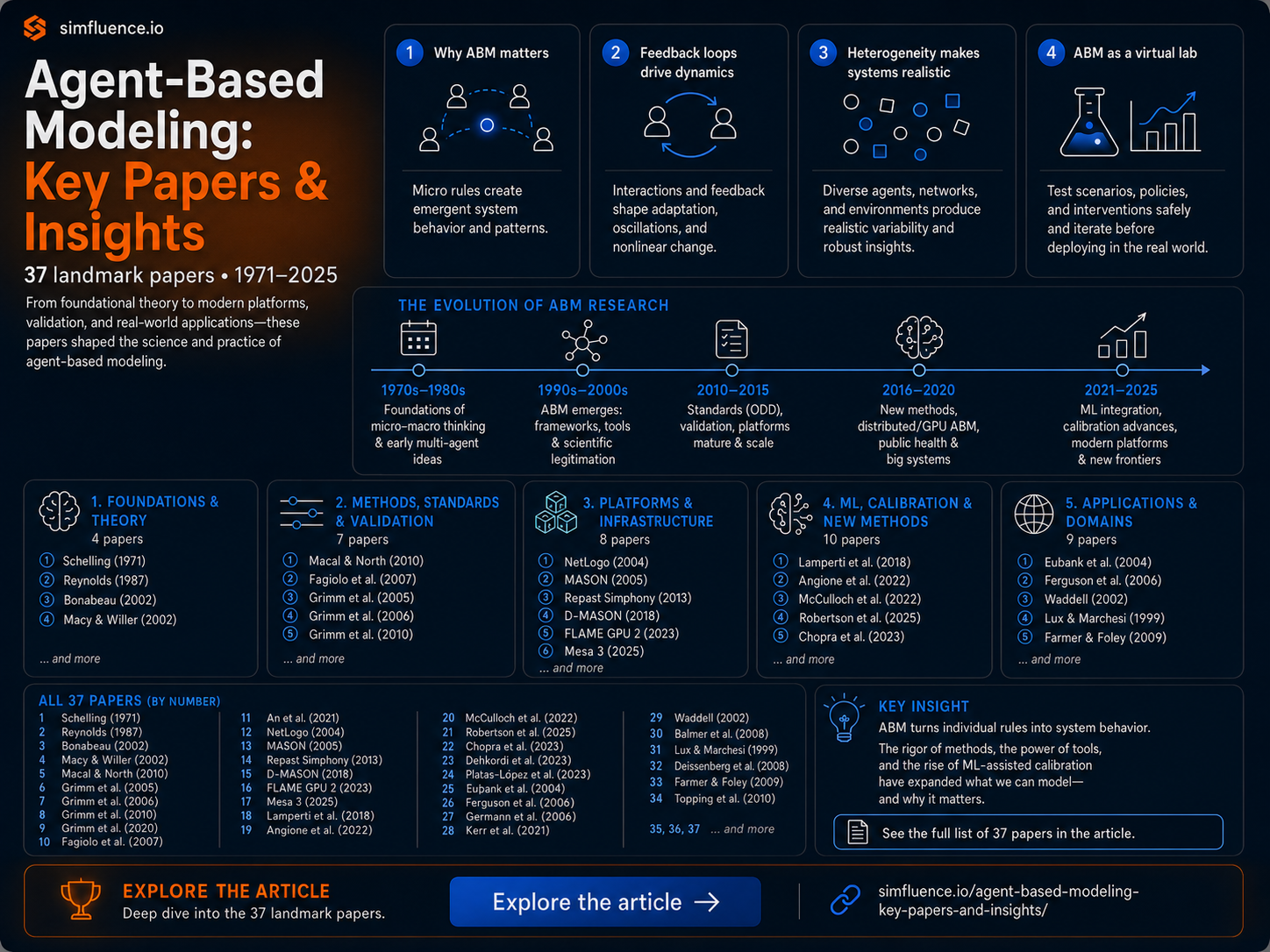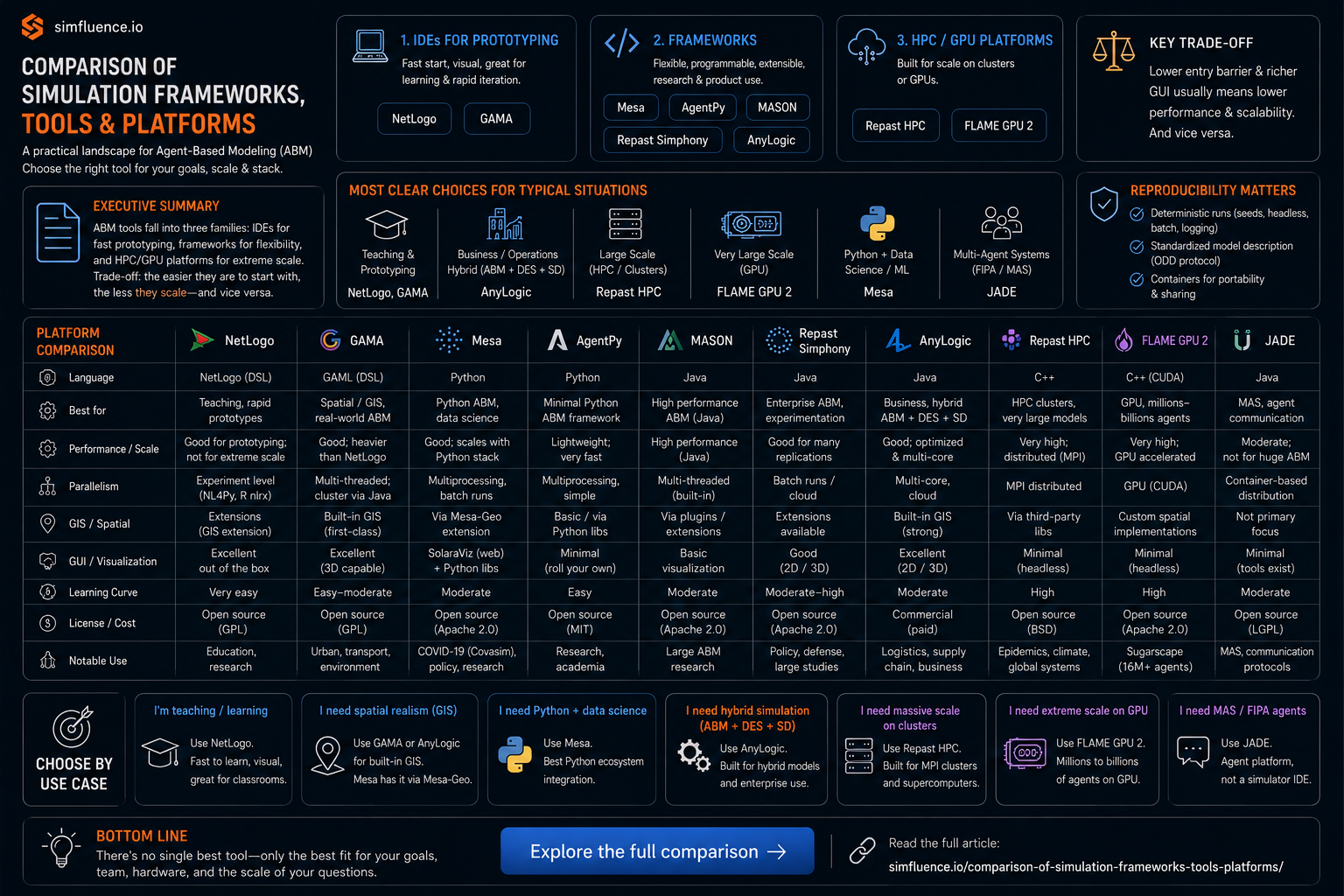
We’ve known for a while that how something is shown matters as much as what is shown.
Give people a wall of text, and they’ll skim it.
Show them a diagram, and they’ll pause.
Let them interact with it, and suddenly — they start thinking.
That shift — from passive reading to active sense-making — is where visual and interactive learning sits. And the research mostly agrees: it works. But not always in the way people think.
The part we understand quite well
There’s a strong baseline here.
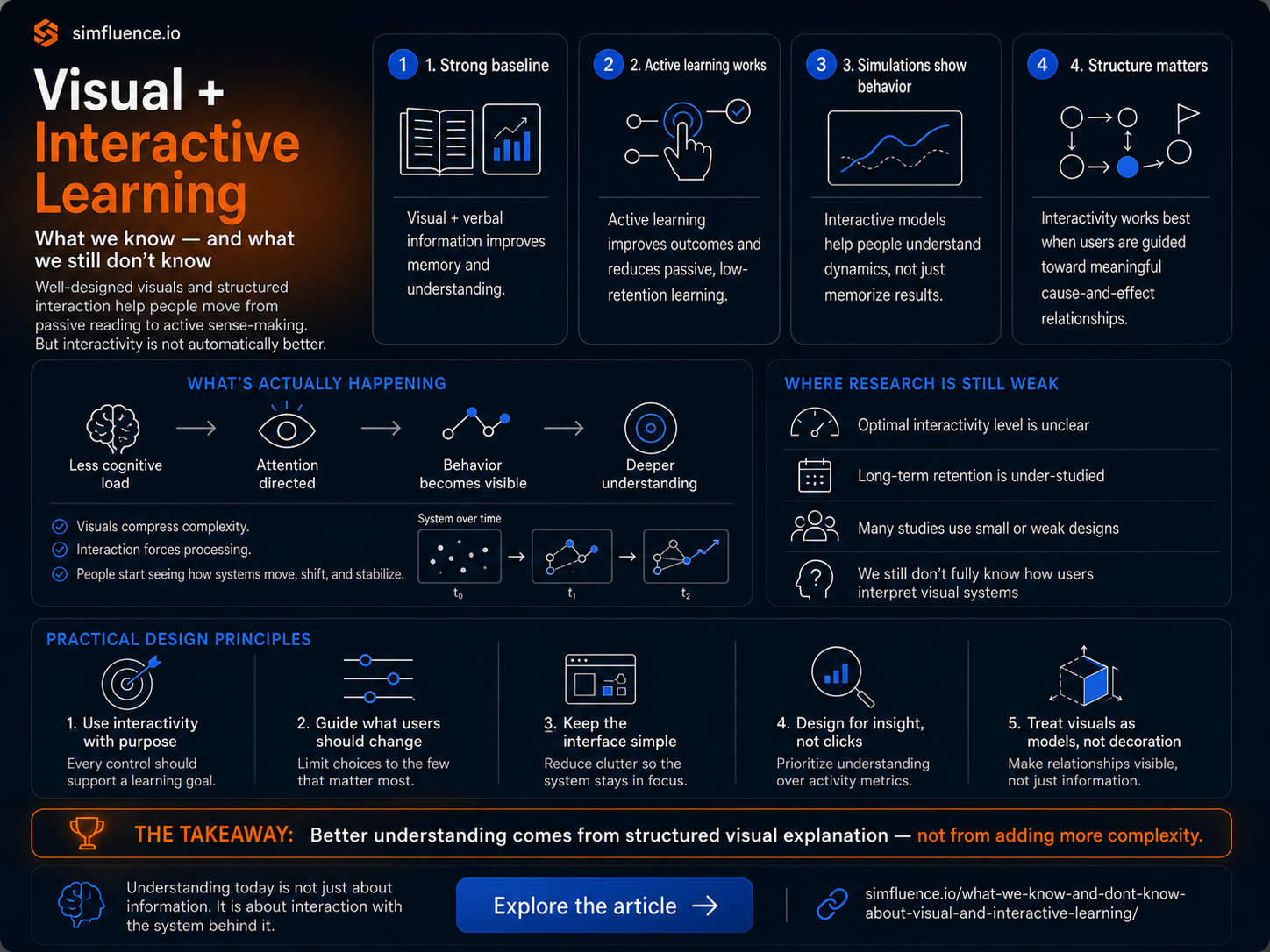
When information is presented visually and verbally together, people remember more. That’s the core idea behind dual-coding: two mental representations instead of one.
When learning is active instead of passive, outcomes improve significantly. One of the largest meta-analyses found that active learning increases exam performance and cuts failure rates roughly in half compared to lectures.
And when people can **interact with systems — especially through simulations — **they don’t just memorize, they understand dynamics. Effects here are not small; simulation-based learning shows strong gains in complex skill acquisition.
So far, so good.
There’s also a consistent pattern in design:
- Show related things together (don’t split text and visuals)
- Remove unnecessary noise
- Break content into chunks
- Highlight what matters
These aren’t opinions—they show up repeatedly across large-scale reviews.
In short:
Well-designed visual + interactive content improves understanding.
Where things get more interesting
Here’s the catch: interactivity is not automatically better.
More buttons, more sliders, more freedom — sounds good. But it often backfires.
Research shows that moderate interactivity tends to work best. Too little, and people stay passive. Too much, and they get lost or distracted.
Even worse, beginners often don’t know how to use interactive tools effectively at all. Without guidance, they explore randomly instead of learning.
This creates a simple but uncomfortable insight:
Interactivity only works when it is structured.
Not just “let users play,” but:
- what they should change
- what they should notice
- what cause → effect relationship matters
Without that, you get engagement — but not understanding.
The deeper mechanism (what’s actually happening)
Most people think visual learning is about clarity. It’s not.
It’s about reducing cognitive load and directing attention.
Our working memory is limited. If you overload it, learning drops. If you structure information correctly, learning improves.
Visuals help because they compress complexity.
Interaction helps because it forces processing.
And when done right, something more interesting happens:
People start to see behavior, not just results.
Not just “this is the outcome,” but
“this is how the system moves, shifts, breaks, stabilizes.”
That’s a different level of understanding.
Where the research is still weak
Despite all the positive findings, there are some big gaps.
First, we don’t really know the optimal level of interactivity. It clearly exists, but it depends on context, user knowledge, and task type.
Second, most studies measure short-term outcomes.
Did the student perform better right after learning? Yes.
But did they retain it a month later? Apply it in real decisions? Much less clear.
Third, there’s a methodology problem.
A lot of studies:
- use small samples
- lack proper control groups
- are hard to reproduce
So while the direction is clear, the precision isn’t.
And finally, there’s a more practical gap:
We don’t fully understand how people interpret visual systems.
A complex 3D model might look impressive—but could actually confuse more than it helps.
A simple 2D diagram might outperform it.
More visual ≠ more understanding.
What this means in practice
If you strip everything down, a few principles hold:
1. Don’t add interactivity for the sake of it
Every control should reveal a cause → effect relationship.
2. Guide the interaction
People need cues. What to change. What to observe. Why it matters.
3. Keep it simple enough to think with
If users spend time figuring out the interface, they’re not learning the system.
4. Design for insight, not engagement
Clicks don’t equal understanding.
5. Treat visuals as models, not decoration
The goal is not to show something—it’s to make the system visible.
The bigger picture
What’s emerging here is not just a better way to teach.
It’s a different way to communicate.
Static content — text, slides, even charts — mostly shows outcomes.
Visual and interactive content can show behavior.
And in a world where systems are getting more complex — AI, markets, networks, policies — that difference matters.
We’re still early.
We know it works.
We don’t fully know why it works best in some cases and fails in others.
But one thing is clear:
Understanding is no longer just about information.
It’s about interaction with the system behind it.