Revenue & pipeline stability
FlowGuard AI — Pipeline and Revenue Stabilization Simulation
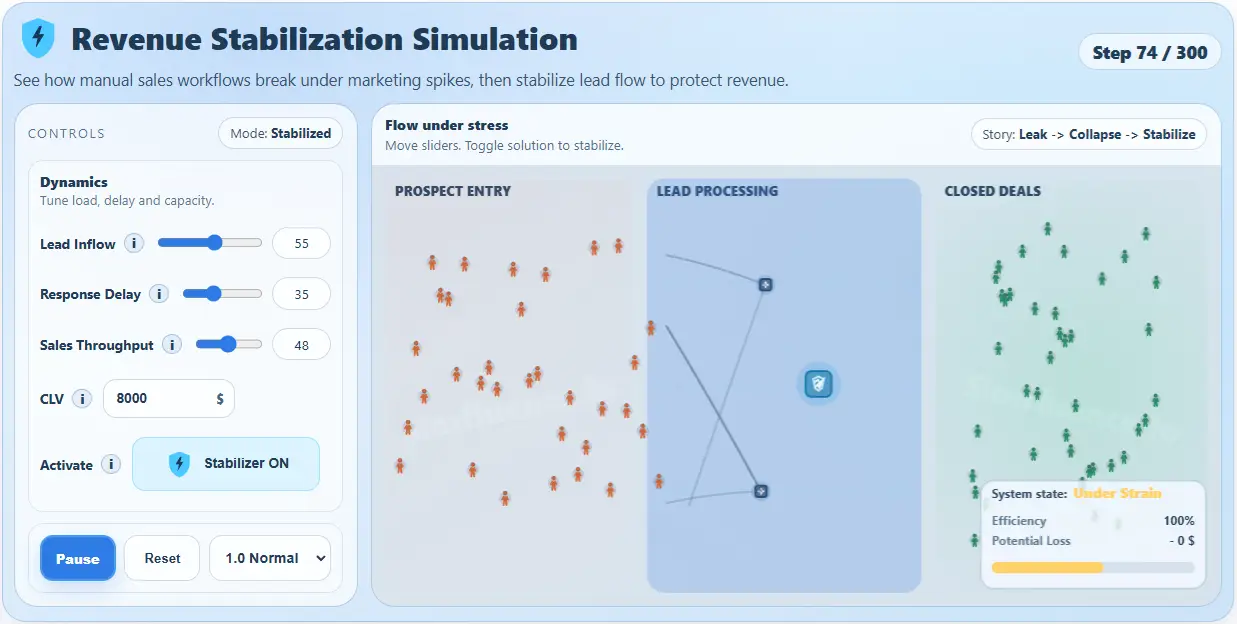
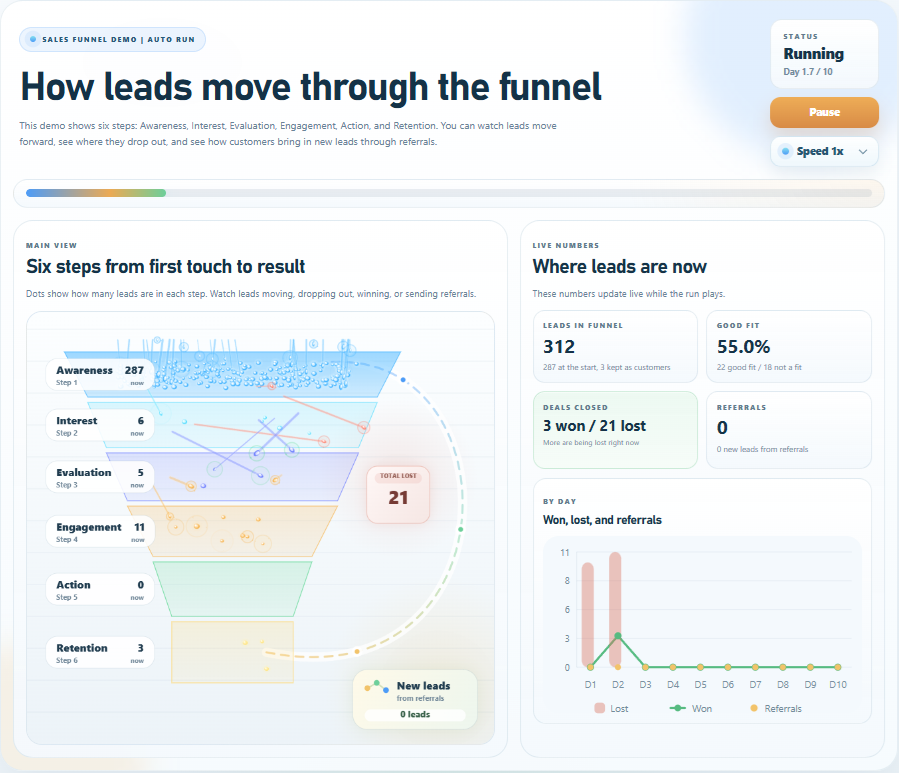
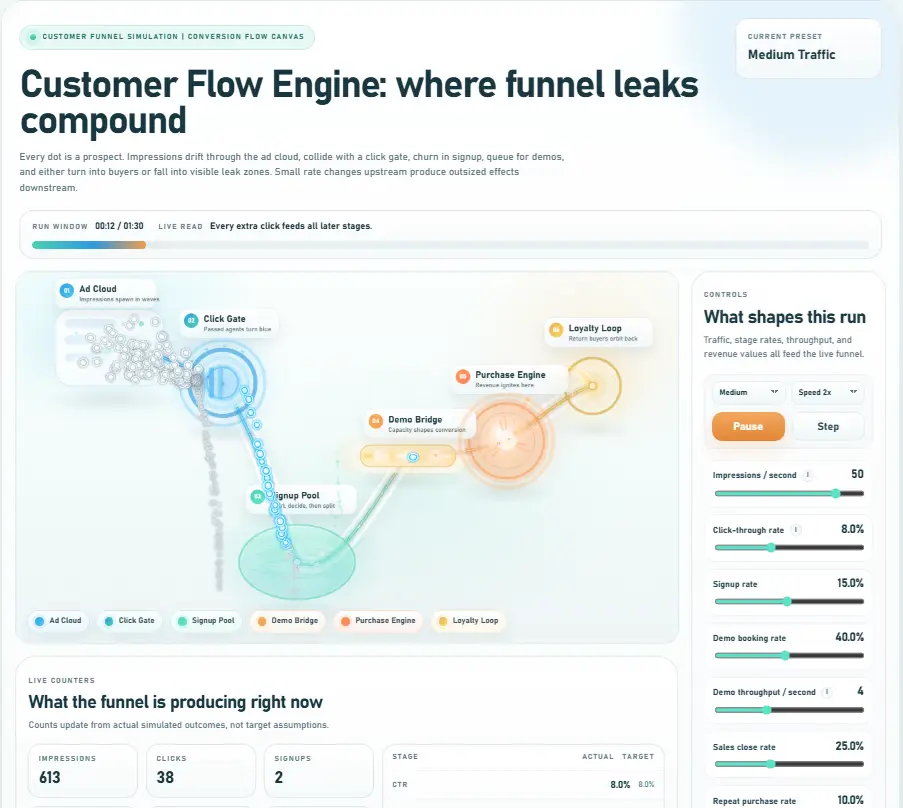
Sales teams can look fine when demand is steady. However, inbound spikes change the math fast: response time grows,
queues build, and deals slip away. This revenue stabilization simulation makes that failure visible in under 20 seconds.
It works as a sales pipeline collapse simulation by showing how manual workflows break under pressure.
Moreover, it doubles as a pipeline spike management simulation that lets you test what happens when volume rises.
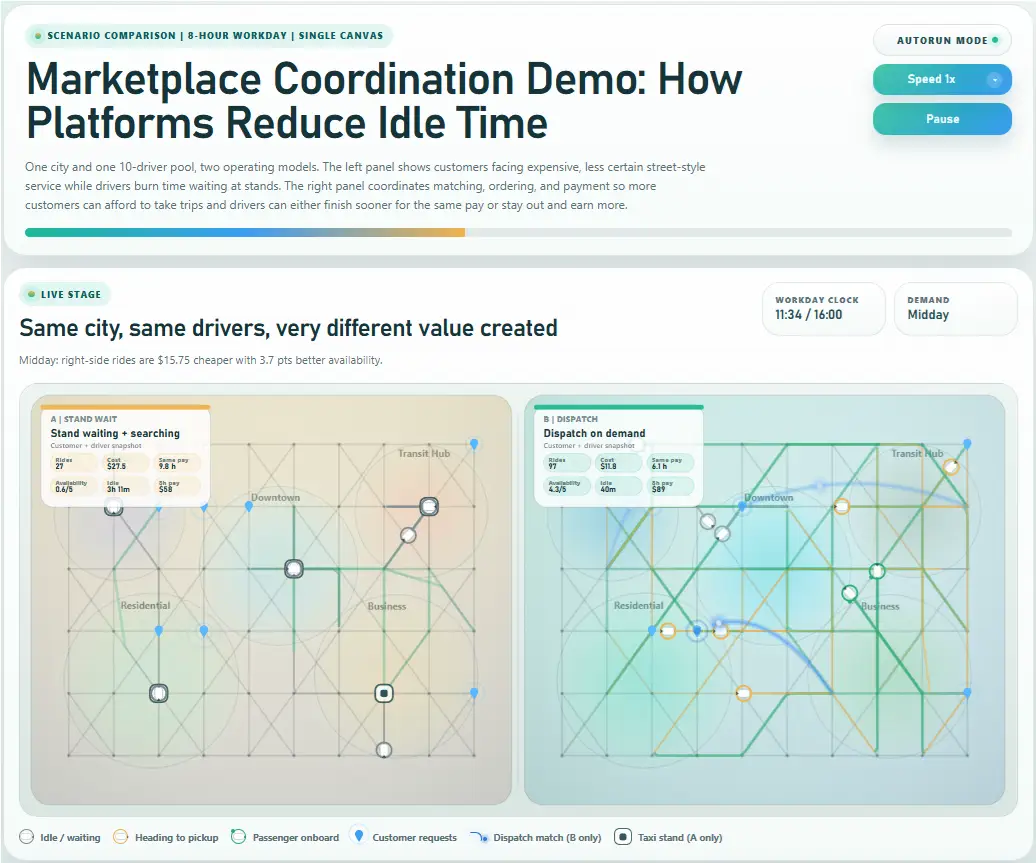
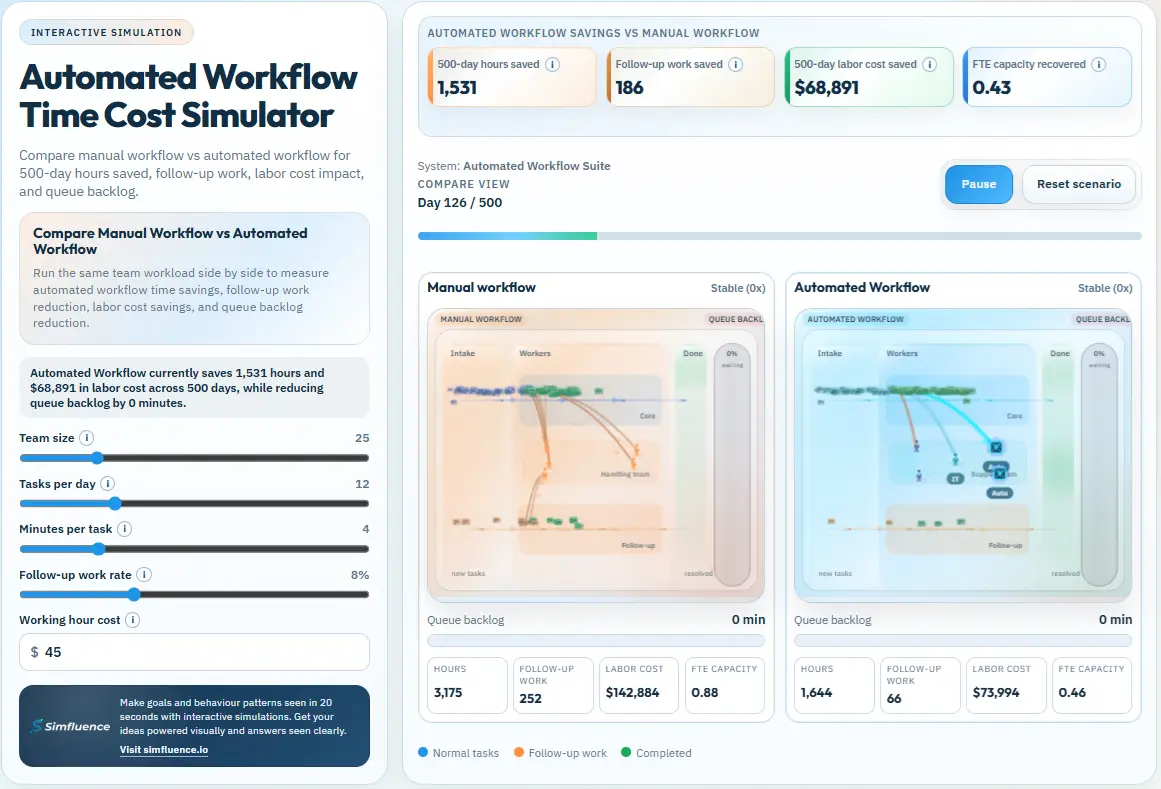
Then you can switch FlowGuard AI ON. As a result, the same scenario becomes a lead routing automation simulation
and a sales capacity bottleneck simulation, because you can see how routing, booking, and qualification reduce delays
and protect revenue. In short, this revenue stabilization simulation turns “speed matters” into something buyers can see.
What this simulation demonstrates
What it shows
When lead inflow rises, response delays compound; therefore, conversion drops.
Capacity limits create queues and drop-offs, which then increases forecast risk.
FlowGuard AI restores flow by reducing delay and improving routing and qualification.
Core controls
Volume: Lead inflow (campaign intensity)
Friction: Response delay (manual routing / qualification lag)
Capacity: Sales throughput (team load, availability, automation level)
CLV: Client lifetime value (drives a live loss estimate)
Solution toggle: FlowGuard AI ON/OFF (routing + booking + qualification)
Outputs
Efficiency: Closed / (Closed + Lost) as a smoothed live %
Potential loss ($): Lost deals × CLV (turns “delay” into money)
Pipeline stability: Collapse vs recovery zones under spikes
Best for
Product pages (prove value without vague claims)
Enterprise proposals and procurement justification
RevOps workshops (capacity planning under demand spikes)
Sales enablement (why speed beats “more leads”)
How to use it
First, run the scenario with FlowGuard AI OFF to see the collapse path. Then increase volume and friction. Next, toggle FlowGuard AI ON to compare recovery. Finally, use the outputs to explain what delays cost in dollars.
revenue stabilization simulation
sales pipeline collapse simulation
lead routing automation simulation
sales capacity bottleneck simulation
pipeline spike management simulation
response time
lead routing
instant booking
qualification
revenue leakage
Toggle FlowGuard AI ON vs OFF, raise inbound pressure, and watch how small delays turn into lost deals.
Therefore, this works both as a buyer-facing explainer and as an internal planning tool.
Keywords: revenue stabilization simulation, sales pipeline collapse simulation, lead routing automation simulation, sales capacity bottleneck simulation, pipeline spike management simulation