user-controlled exploration

Interactive Simulation Widgets

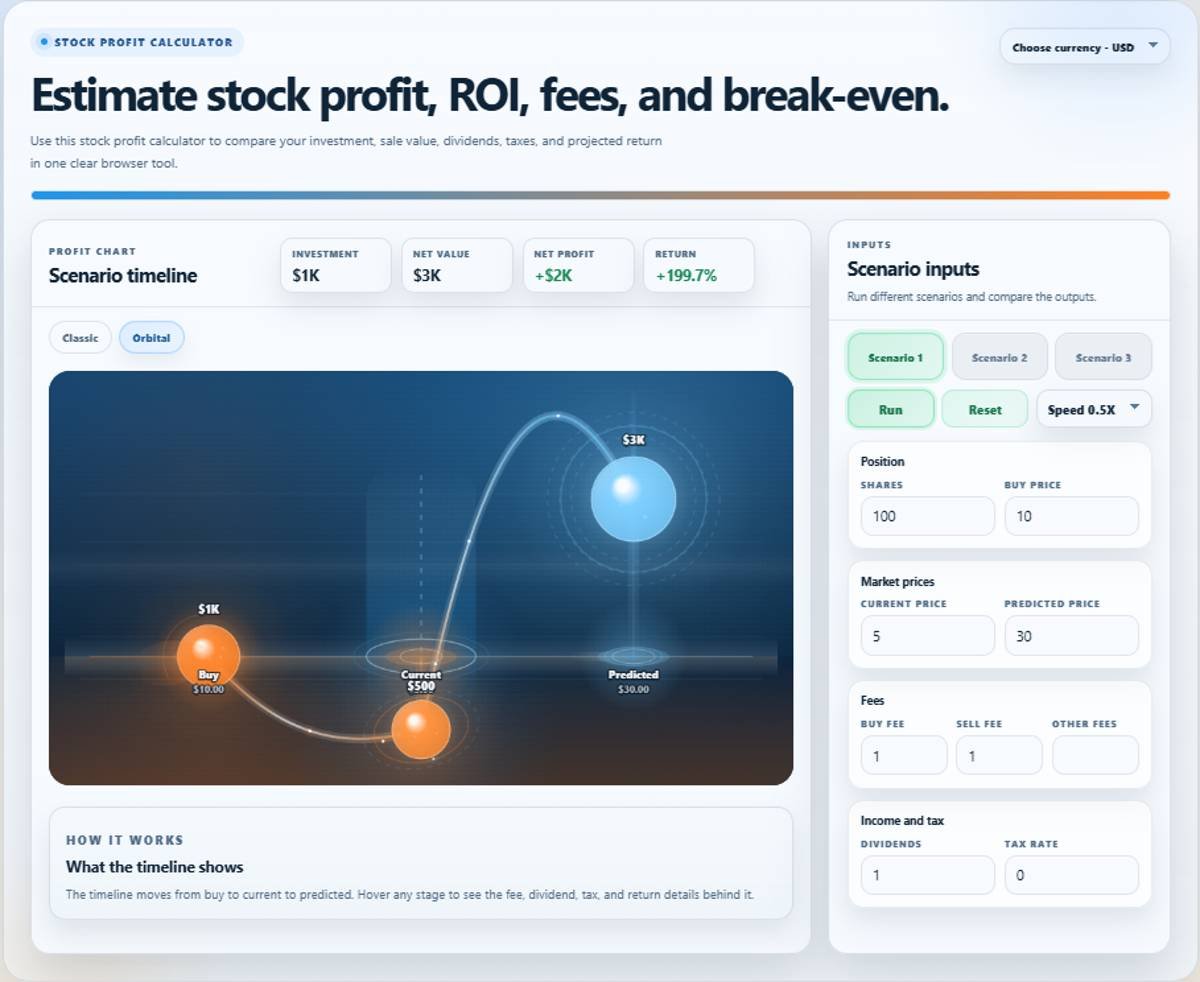
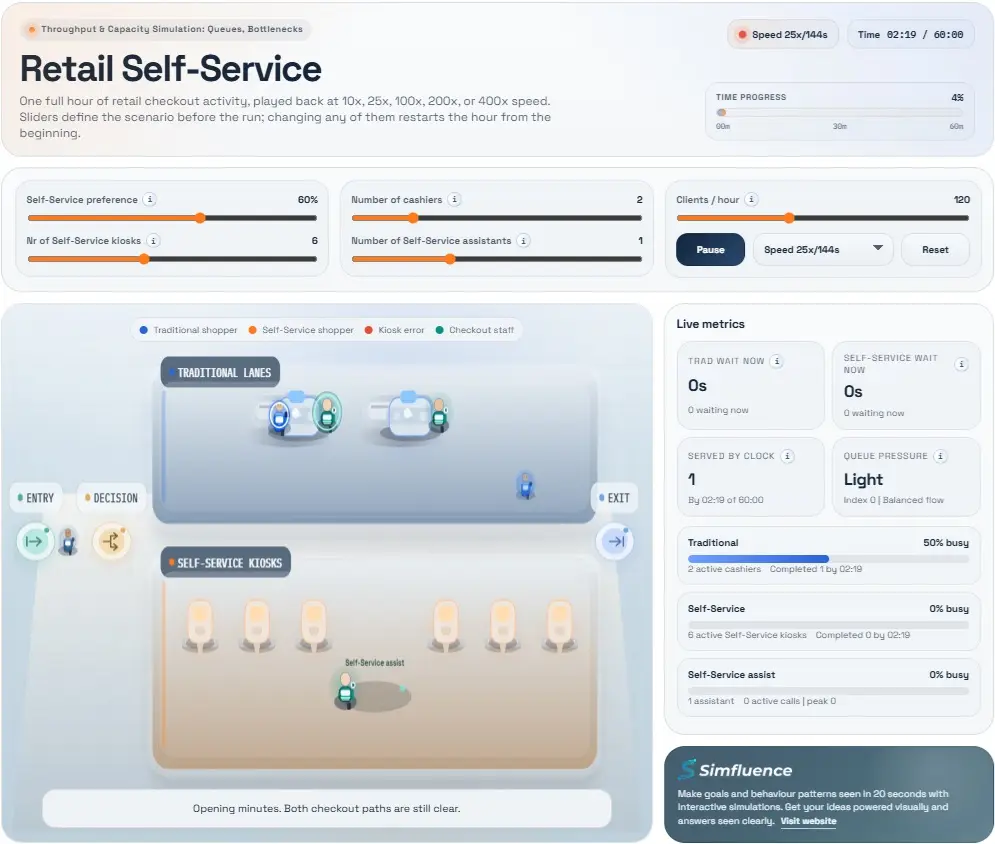
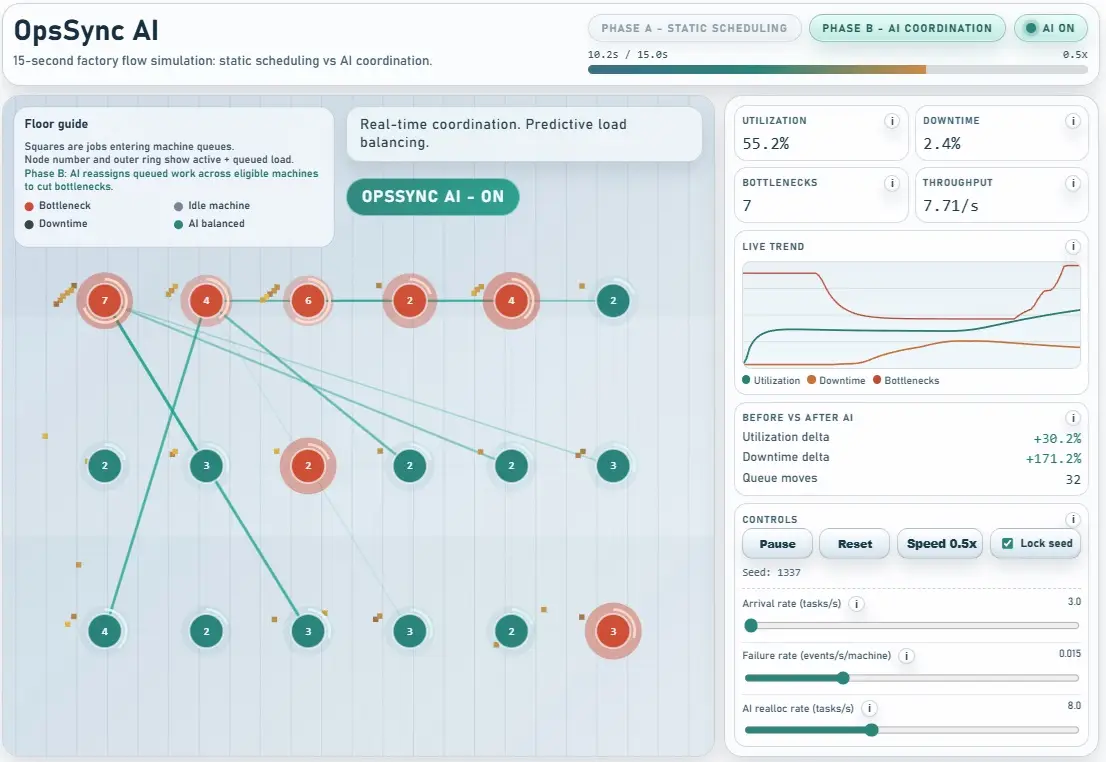
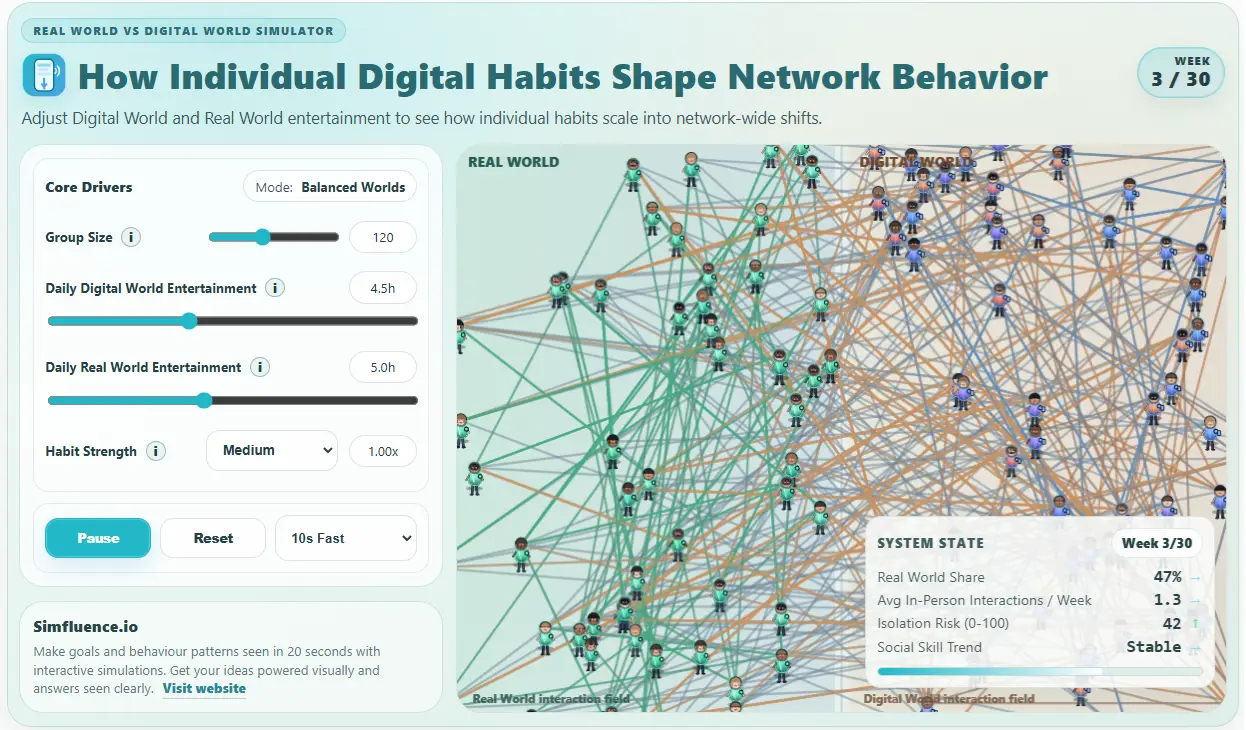
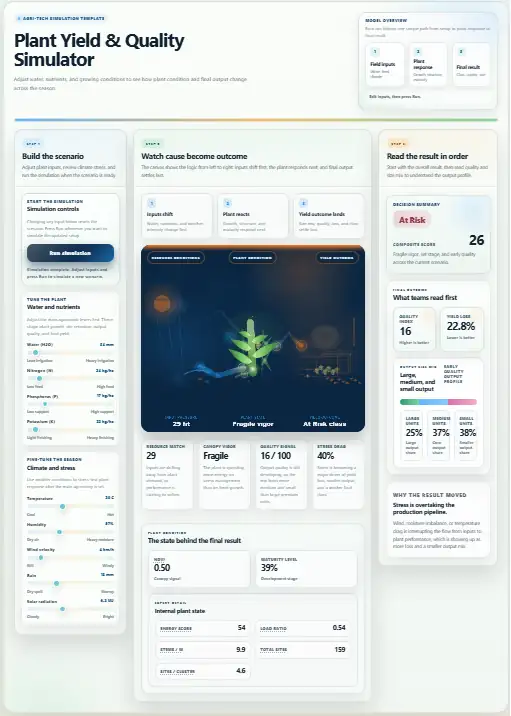
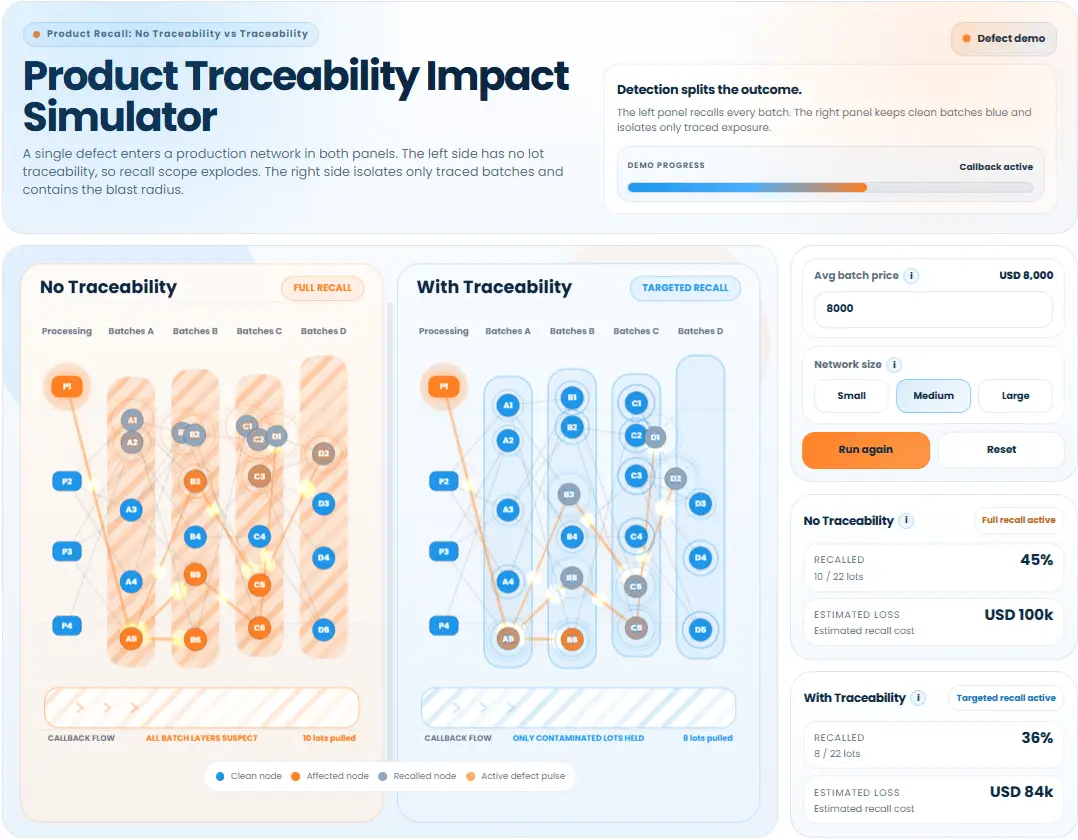
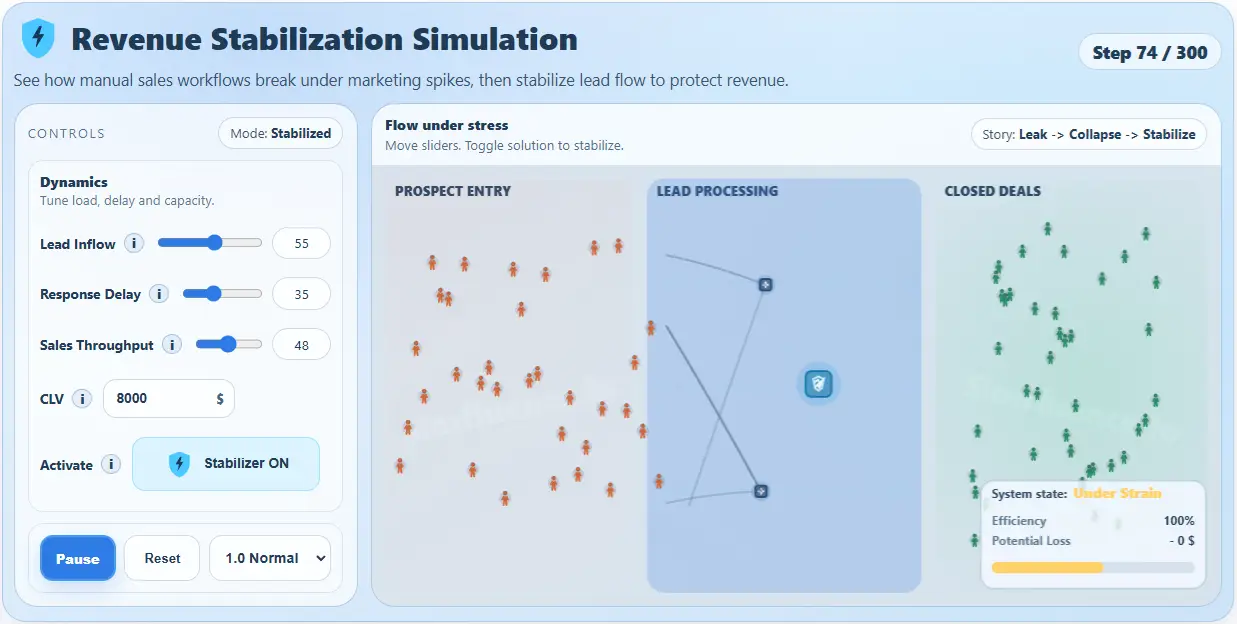
Let users explore the system themselves - test scenarios, change inputs, and see what actually happens. Interactive simulations turn your system into something people can actively explore, test, and understand. Instead of watching a fixed sequence, users can adjust inputs, try different scenarios, and see how outcomes change in real time. That makes them ideal when the goal is not just clarity - but confidence, comparison, and decision support. These are browser-based simulation widgets built on process logic, agent behavior, and system dynamics - packaged into a clean, usable interface.
Best when
Users need to test variables, compare options, and understand trade-offs before deciding.
Format
User-controlled browser simulation with live inputs, outputs, and scenario feedback.
Works on
Landing pages, product pages, sales demos, internal tools, and workshops.
Output
Embeddable iframe, direct link, or reusable simulation asset for decision support.
How the format works
Example: demand, capacity, and throughput explorer
user-controlled live outputs compare scenarios
inputs
pressure
feedback
outcomes
The user changes a variable, tests a scenario, and sees where the system breaks, stabilizes, or scales in response.
control
direct
Inputs change the state of the system instead of replaying a fixed story.
outputs
live
Results update as variables move, so the behavior becomes testable.
best job
compare options
Strong when viewers need confidence, trade-off visibility, and decision support.
What users can do
Change key inputs. Adjust the variables that drive the system instead of watching a fixed sequence.
Test what-if scenarios. Try different setups and see what actually changes under new conditions.
Compare outcomes. Explore different paths and judge which option performs better.
Observe system feedback. Make bottlenecks, delays, growth, and constraints visible in real time.
Browser-based No install required. Easy to embed with an iframe or share as a direct link.
Reusable asset Works across website, sales, workshops, internal planning, and product education.

What an interactive simulation actually is

An interactive simulation is a controlled environment where users can change key inputs, test what-if scenarios, compare outcomes, and explore system behavior over time. Instead of a single narrative, it gives users a space to experiment.

The core idea is simple: you do not just show what happens - you let people test it themselves. That is what makes the format so strong when understanding depends on interaction rather than one pre-scripted explanation.
  • Change key inputs and watch the system respond.
  • Test what-if scenarios instead of debating them abstractly.
  • Compare outcomes under different assumptions or setups.
  • Explore system behavior over time inside one usable interface.

When this format is the right choice

Choose interactive simulations when the system has multiple possible outcomes, decisions depend on changing variables, stakeholders need to compare options, or you want deeper engagement than a passive explainer.

This is not about quick explanation first. This is about understanding through interaction. It is especially effective when people need to test assumptions, see trade-offs, and build confidence before choosing a direction.
  • The system has multiple possible outcomes.
  • Decisions depend on changing variables.
  • Stakeholders need to compare options before committing.
  • You want deeper engagement than a passive explainer can provide.

Sliders and inputs

Let users adjust the variables that matter most, whether that is demand, capacity, pricing, adoption, delay, or intervention strength.

Live outputs

Show results updating instantly so people can see performance, growth, failure, or stability move with each input change.

Scenario comparison

Test different setups and compare outcomes so trade-offs become visible instead of staying theoretical.

System feedback

Help users observe bottlenecks, delays, constraints, and reinforcing effects as they emerge over time.

Use cases

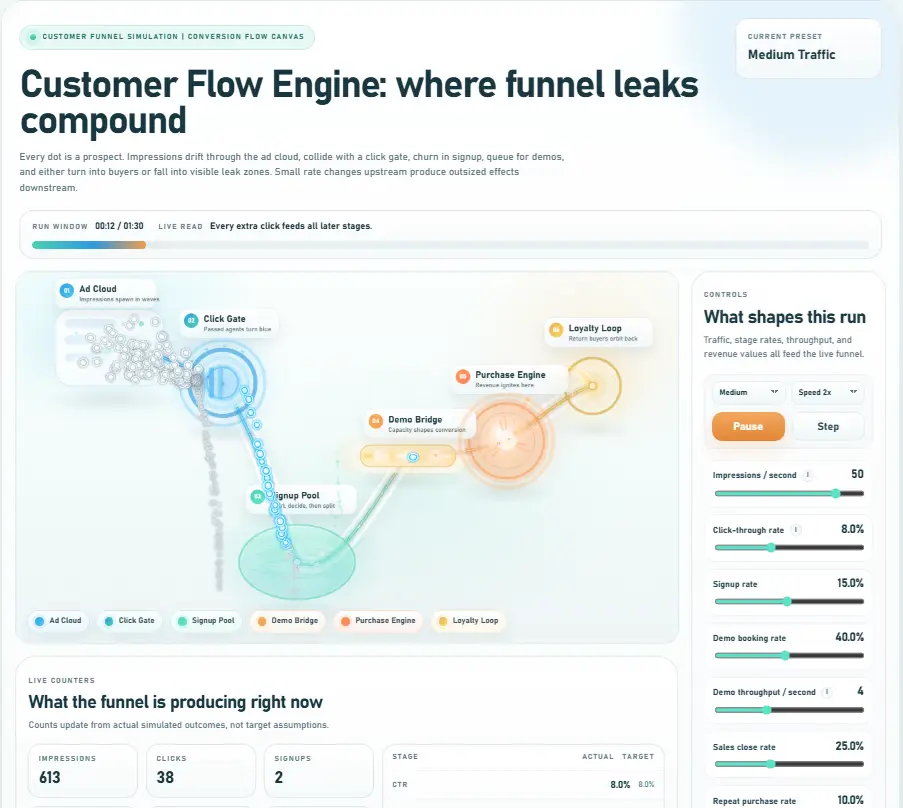
Product and solution explainers Let users explore how your product changes outcomes under different conditions.
Scenario and decision analysis Compare multiple approaches before committing to one direction.
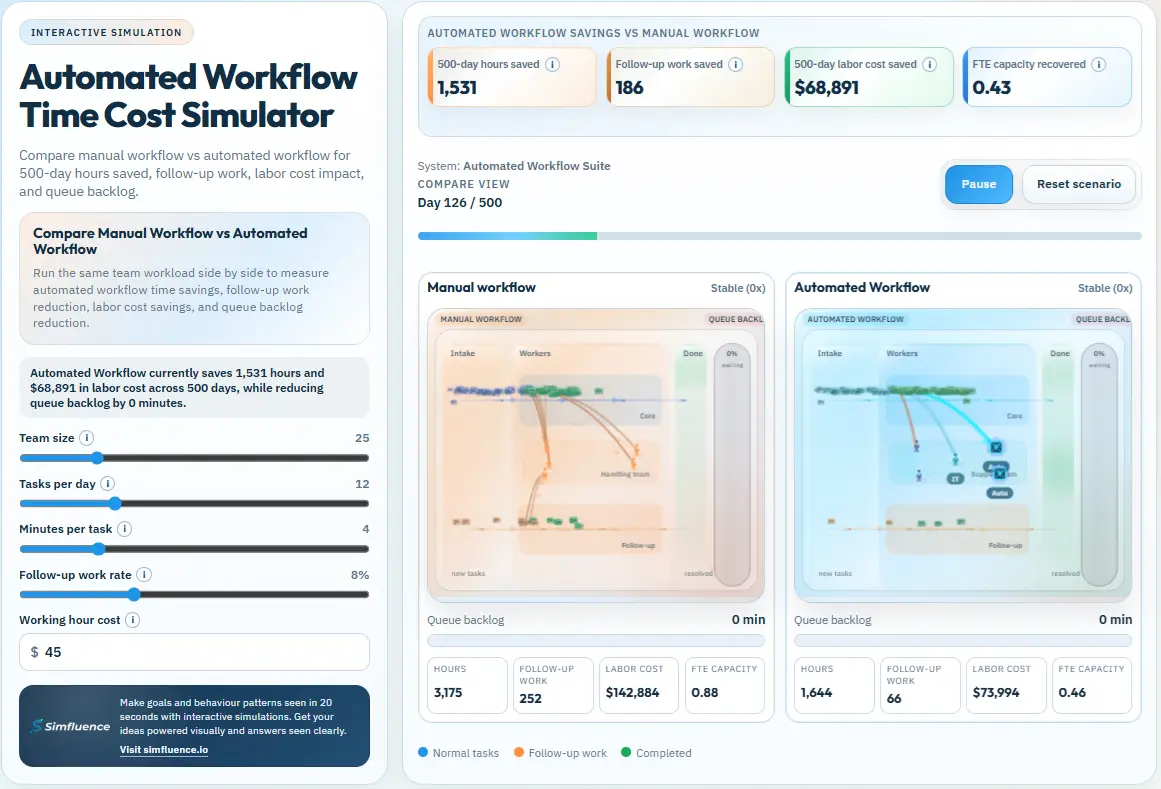
Operations and workflow optimization Show where bottlenecks form and how changes affect flow across the system.
Growth and adoption modeling Test how different factors influence adoption, spread, and momentum.
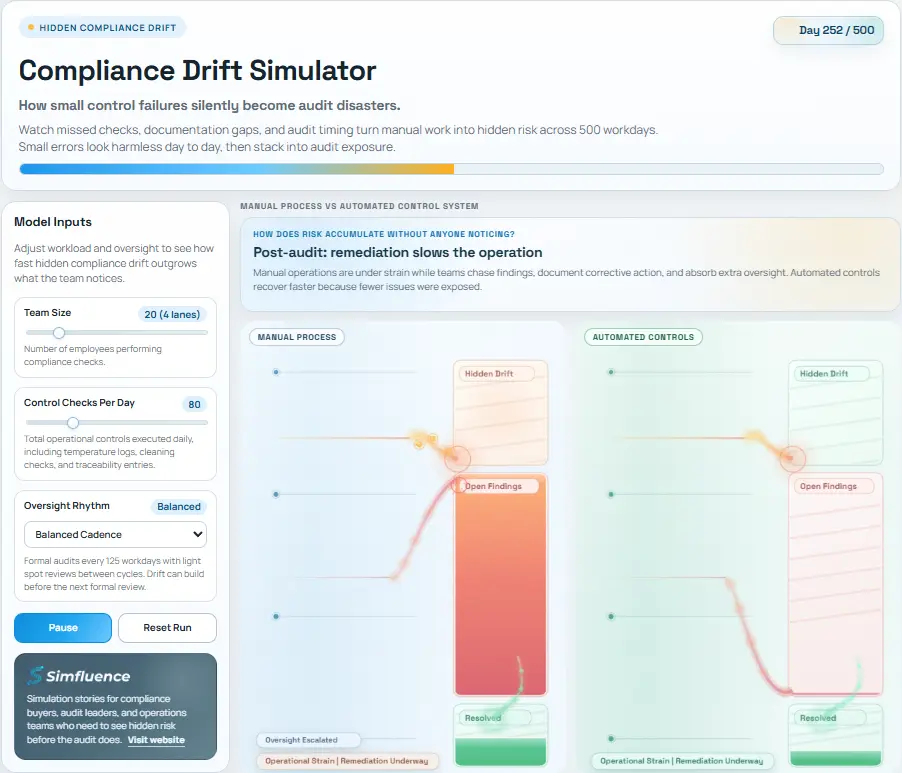
Risk and resilience Explore how issues propagate and how mitigation changes the outcome.
Public sector and policy Simulate the effects of interventions across populations, systems, or services.
Sales demos and workshops Turn abstract discussions into something prospects and teams can test live together.
Internal tools and planning Give stakeholders a reusable environment for exploring assumptions and outcomes.

Deeper understanding

Users do not just see results - they discover them by interacting with the system themselves.

Higher engagement

Interaction keeps attention longer than passive content and gives people a reason to stay with the material.

Better decision support

Stakeholders can test assumptions and compare options instead of debating them without evidence.

Reusable asset

The same simulation can work on a website, in sales, in workshops, or as an internal decision tool.
What it helps explain

Interactive simulations are strongest when you need to show behavior, trade-offs, thresholds, and feedback, not just a single fixed outcome.
trade-offs thresholds feedback loops non-linear behavior system constraints bottlenecks delays growth effects dependencies

What you need to get started

You do not need a full model. Usually it is enough to define the use case, the key variables, the outputs that should be visible, the audience, and the level of realism required.
Use case What should users explore?
Key variables What can change?
Outputs What should be visible?
Audience Who is this for?
Level of realism Intuitive explainer logic or more calibrated logic?
Interactive simulations are for cases where understanding requires exploration. They turn assumptions into something testable, make trade-offs visible, and help people move from opinion to insight.

Auto-run = clarity fast. Interactive = understanding deep. Use auto-run for first impression and interactive when people need to test scenarios, compare options, and build decision confidence. In practice, the strongest sites use both.

Explore interactive simulations and explainer examples

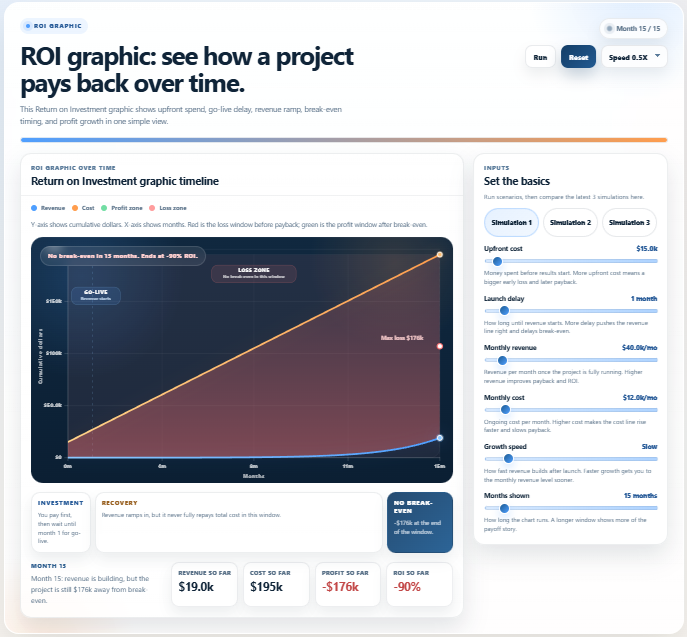
ROI graphic showing cost, revenue, break-even point, and profit growth over time

ROI Calculator: Payback, Break-Even, and Profit Over Time

An interactive ROI calculator that shows how a project pays back over time. See upfront cost, launch delay, revenue ramp, break-even timing, and profit growth in one simple view. The simulation makes return on investment over time easier to understand than a static chart. Based on common ROI content patterns, “ROI,” “return on investment,” “break-even,” and “ROI over time” match the clearest search intent for this page.
Read more